
Smart Thermostat Buying Mistakes
Smart thermostats are becoming one of the most popular upgrades for modern homes. They help automate temperature control, improve comfort, and reduce electricity bills through intelligent scheduling and energy-saving features. Whether you are upgrading your home cooling system or building a smart home setup, choosing the right smart thermostat can make a huge difference.
However, many buyers rush into purchasing a device without understanding compatibility, features, installation requirements, or long-term usability. This often leads to wasted money, poor performance, and frustrating setup issues.
In this guide, we will cover the most common smart thermostat buying mistakes and how to avoid them before making your purchase.
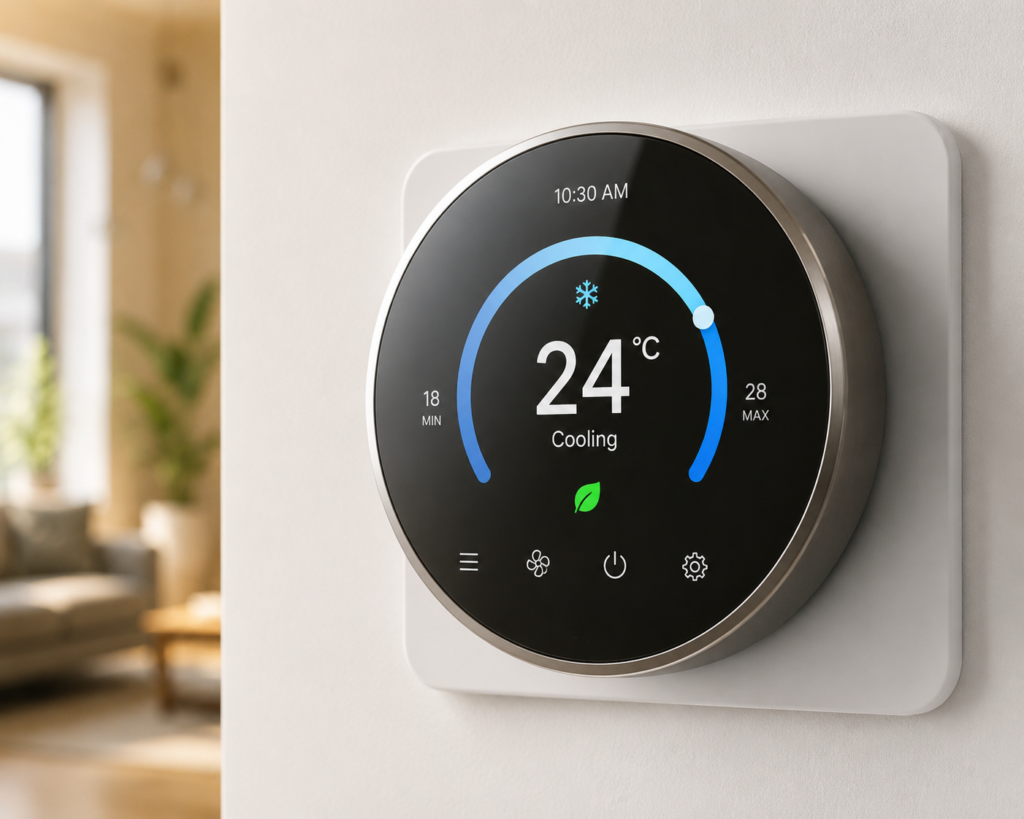
Why Smart Thermostats Are So Popular
Smart thermostats are designed to automate and optimize indoor temperature settings. Unlike traditional thermostats, they can connect to WiFi, learn user preferences, and allow remote control through smartphone apps.
Benefits of Smart Thermostats
- Lower energy consumption
- Better indoor comfort
- Remote temperature control
- Smart scheduling
- Voice assistant integration
- Energy usage reports
- Automatic climate adjustments
Despite these advantages, selecting the wrong thermostat can reduce these benefits significantly.
1. Ignoring HVAC Compatibility
One of the biggest mistakes buyers make is assuming every smart thermostat works with every heating or cooling system.
Different homes use different HVAC systems, including:
- Central air conditioning
- Heat pumps
- Multi-stage systems
- Electric heating
- Boiler systems
- Ductless mini-split systems
Not all thermostats support every setup.
Why Compatibility Matters
If the thermostat is incompatible:
- Installation may fail
- Cooling or heating may not work properly
- Features may become limited
- The thermostat could stop functioning entirely
How to Avoid This Mistake
Before purchasing:
- Check your HVAC system type
- Read compatibility specifications carefully
- Verify wiring requirements
- Use manufacturer compatibility checkers
Always inspect your existing thermostat wiring before ordering a new device.
2. Forgetting to Check for a C-Wire
Many smart thermostats require a common wire (C-wire) to provide continuous power.
Older homes often lack this wire, which can create installation problems.
Problems Caused by Missing C-Wire
- Thermostat may not power on
- Frequent disconnects
- Battery drain issues
- WiFi instability
What You Should Do
- Remove your existing thermostat cover
- Check if a C-wire is available
- Consider models that work without a C-wire
- Buy a C-wire adapter if needed
This small step can prevent major setup headaches later.
3. Buying Based Only on Price
Choosing the cheapest smart thermostat may save money initially, but low-cost devices often lack important features and reliability.
Common Problems with Cheap Thermostats
- Weak app support
- Poor temperature accuracy
- Limited smart integrations
- Low-quality sensors
- Frequent software bugs
Instead of focusing only on price, evaluate:
- Feature quality
- Brand reputation
- Warranty coverage
- Software updates
- Customer support
A slightly more expensive model may offer better long-term value.
4. Ignoring Smart Home Compatibility
Many people purchase a thermostat only to discover it does not integrate with their smart home ecosystem.
Important Compatibility Options
Check support for:
- Amazon Alexa
- Google Assistant
- Apple HomeKit
- Samsung SmartThings
- IFTTT automation
If your smart devices cannot communicate with the thermostat, automation becomes limited.
Example
You may want commands like:
- “Set temperature to 24°C”
- “Turn on eco mode”
- “Adjust temperature automatically at night”
Without compatibility, these features may not work.
5. Overlooking Energy-Saving Features
Not all smart thermostats deliver the same energy efficiency benefits.
Some buyers choose a model without advanced optimization tools.
Features That Improve Energy Savings
Look for:
- Learning schedules
- Geofencing
- Occupancy detection
- Energy reports
- Eco modes
- Adaptive temperature control
These features help reduce unnecessary cooling or heating usage.
6. Choosing Complicated User Interfaces
A thermostat should make life easier, not more confusing.
Some devices come with overly complicated apps or difficult menu systems.
Signs of a Poor User Experience
- Confusing setup process
- Slow mobile apps
- Too many unnecessary settings
- Unresponsive touch controls
Best Practice
Read user reviews about:
- Ease of installation
- Mobile app quality
- Daily usability
- Software reliability
A user-friendly thermostat improves the overall smart home experience.
7. Not Considering Internet Reliability
Smart thermostats depend heavily on stable WiFi connectivity.
If your home internet connection is weak near the thermostat location, features may fail.
Common Connectivity Issues
- Delayed commands
- Offline thermostat status
- Failed remote access
- App synchronization problems
How to Avoid This
- Check WiFi signal strength
- Use a mesh WiFi system if needed
- Place routers strategically
- Choose thermostats with stable connectivity reviews
Reliable internet ensures smooth smart control.
8. Ignoring Installation Complexity
Some thermostats are simple DIY installations, while others may require professional setup.
Installation Challenges
- Complex wiring
- Multi-zone systems
- HVAC configuration issues
- Voltage compatibility concerns
Important Tip
If you are unsure about electrical wiring, hire a certified technician.
Professional installation can prevent costly HVAC damage.
9. Skipping Customer Reviews and Ratings
Product descriptions often highlight only positive features.
Real customer reviews reveal actual long-term performance.
What Reviews Can Tell You
- App stability
- Software update frequency
- Reliability over time
- Customer support quality
- Real energy savings
Always read both positive and negative reviews before buying.
10. Ignoring Future Smart Home Expansion
Your current smart home setup may grow over time.
Buying a thermostat with limited compatibility could restrict future upgrades.
Think Long-Term
Choose a thermostat that supports:
- Additional sensors
- Multi-room control
- Expanded automation
- Smart routines
- Third-party integrations
Future-proof devices provide better long-term value.
Features You Should Prioritize
Here are the most important features to look for before purchasing a smart thermostat.
| Feature | Why It Matters |
|---|---|
| WiFi Connectivity | Enables remote control |
| Mobile App | Easy temperature management |
| Voice Assistant Support | Hands-free convenience |
| Energy Reports | Helps reduce electricity usage |
| Scheduling | Automated comfort |
| Geofencing | Adjusts temperature automatically |
| Learning Capability | Personalized automation |
| HVAC Compatibility | Ensures proper operation |
Tips for Choosing the Right Smart Thermostat
1. Define Your Budget
Decide how much you are willing to spend before comparing models.
2. Understand Your HVAC System
Compatibility is the most important factor.
3. Focus on Long-Term Savings
Energy-efficient models may reduce electricity costs over time.
4. Prioritize Ease of Use
A simple app and easy controls improve daily convenience.
5. Buy from Trusted Brands
Reliable brands typically provide better software support and updates.
Conclusion
A smart thermostat can improve comfort, convenience, and energy efficiency when chosen correctly. However, many buyers make avoidable mistakes that lead to compatibility issues, installation problems, or disappointing performance.
Before purchasing, always:
- Verify HVAC compatibility
- Check wiring requirements
- Compare smart features
- Read customer reviews
- Consider long-term smart home plans
Taking a little extra time to research your options can help you choose the best smart thermostat for your home and avoid expensive mistakes later.
A well-selected smart thermostat is not just a gadget — it is a long-term investment in smarter and more efficient living.