
Wireless security cameras have become one of the most popular ways to protect homes, apartments, offices, and vacation properties. They’re easy to install, accessible from your smartphone, and packed with smart features that were once only available in expensive professional security systems.
But here’s the catch: not every wireless security camera is worth your money.
Many buyers end up disappointed because they choose the wrong camera for their needs, overlook important features, or underestimate ongoing costs like cloud storage subscriptions.
Before you click the “Buy Now” button, read this guide to learn exactly what to look for, what to avoid, and how to choose a wireless security camera that delivers real peace of mind.
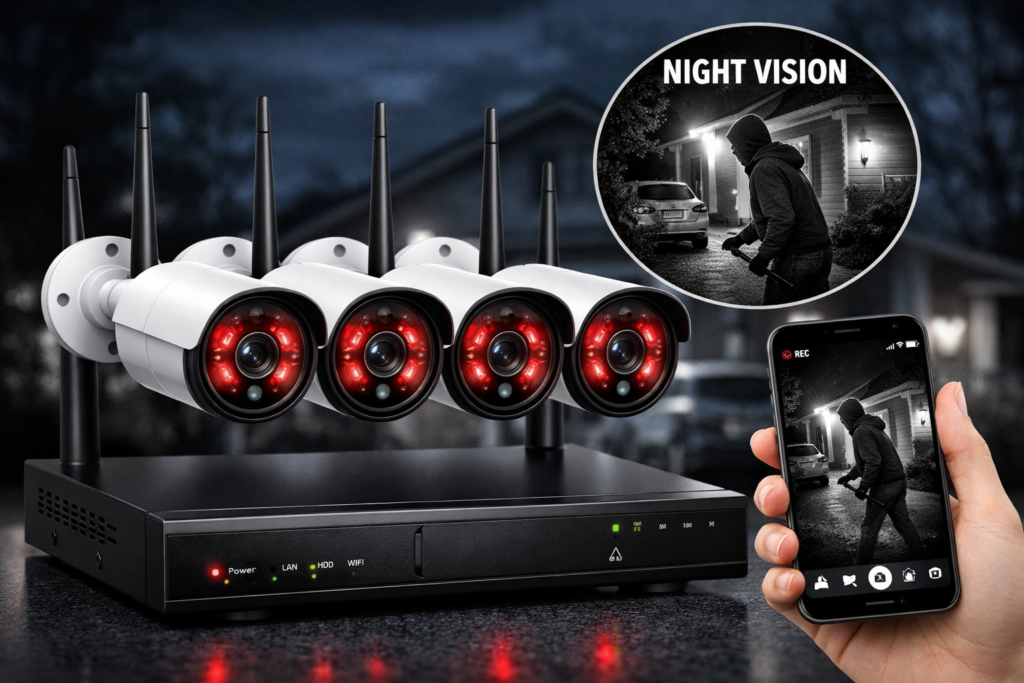
Why Wireless Security Cameras Are So Popular
Wireless cameras eliminate the need for complex wiring while providing flexible installation and remote access. Whether you’re at work or on vacation, you can monitor your property directly from your smartphone.
Key Benefits
- Quick DIY installation
- Live viewing from anywhere
- Instant motion alerts
- Expandable camera systems
- Smart home integration
- Indoor and outdoor options
- Lower installation costs than traditional CCTV systems
For most homeowners, wireless cameras offer an excellent balance of convenience and security.
The Biggest Mistakes Buyers Make
Many first-time buyers focus only on price. While budget matters, choosing the cheapest camera often leads to poor image quality, unreliable apps, and limited features.
Here are the most common mistakes:
1. Buying the Cheapest Camera
Low-cost cameras may lack:
- Reliable software updates
- Good night vision
- Accurate motion detection
- Secure cloud services
- Responsive customer support
Spending slightly more often results in a much better long-term experience.
2. Ignoring Video Resolution
A camera with poor image quality won’t be very useful when you need to identify a face or read a vehicle’s license plate.
Recommended Resolutions
| Resolution | Best For |
|---|---|
| 1080p Full HD | Apartments & indoor monitoring |
| 2K QHD | Most homes |
| 3K | Larger properties |
| 4K UHD | Premium surveillance and long-distance monitoring |
For most users, 2K resolution offers the best balance between clarity and storage requirements.
3. Overlooking Night Vision
Most security incidents occur after dark.
Choose a camera with:
- Infrared night vision
- Color night vision (preferred for outdoor use)
- Long night vision range
- Automatic day/night switching
Good nighttime performance is just as important as daytime image quality.
4. Ignoring Wi-Fi Coverage
Even the best camera can’t perform well with a weak Wi-Fi signal.
Before buying:
- Test your Wi-Fi strength where the camera will be installed.
- Consider a Wi-Fi extender or mesh network for larger homes.
- Check whether the camera supports 2.4GHz, 5GHz, or both.
Reliable connectivity ensures smooth live viewing and timely notifications.
5. Forgetting About Storage
Wireless cameras typically offer one or both of these options:
Local Storage
Advantages:
- No monthly fees
- Records to a microSD card or local hub
- Easy access to footage
Cloud Storage
Advantages:
- Off-site backup
- Access recordings from anywhere
- Protected if the camera is stolen
If you want to avoid recurring costs, prioritize cameras with local storage support.
Essential Features You Should Never Compromise On
When comparing cameras, make sure they include these features:
- Full HD or 2K video
- Reliable night vision
- Motion detection
- Two-way audio
- Smartphone app
- Local storage support
- Weatherproof design for outdoor use
- Regular firmware updates
These features provide the best mix of usability, security, and value.
Indoor vs Outdoor Cameras
Indoor Cameras
Ideal for:
- Living rooms
- Nurseries
- Pet monitoring
- Elderly care
- Home offices
They are generally compact and affordable.
Outdoor Cameras
Outdoor models are designed to withstand rain, dust, and temperature changes.
Look for:
- IP65 or IP66 weather resistance
- Wide viewing angles
- Built-in spotlight (optional)
- Longer night vision range
Outdoor cameras are perfect for monitoring entrances, driveways, garages, and gardens.
Battery-Powered or Plug-In?
Battery-Powered Cameras
Pros
- Truly wire-free installation
- Flexible placement
- Easy to relocate
Cons
- Requires periodic recharging
- Battery life depends on activity levels
Battery-powered models are excellent for locations without nearby power outlets.
Plug-In Cameras
Pros
- Continuous recording
- No battery maintenance
- Stable performance
Cons
- Requires access to an electrical outlet
These are often the best choice for indoor monitoring.
AI Features Worth Paying For
Artificial intelligence has made wireless security cameras smarter than ever.
Useful AI capabilities include:
- Person detection
- Vehicle detection
- Pet detection
- Package detection
- Motion tracking
- Activity zones
These features help reduce false alerts caused by wind, shadows, or passing animals.
How Many Cameras Do You Need?
The right number depends on the size of your property.
| Property Type | Recommended Cameras |
| Studio Apartment | 1–2 |
| Two-Bedroom Apartment | 2–3 |
| Standard House | 4–6 |
| Large Villa | 6–10 |
| Farmhouse or Estate | 8–16 |
Plan your camera placement before purchasing to ensure complete coverage.
Where Should You Install Your Cameras?
Prioritize these locations:
- Front door
- Back entrance
- Driveway
- Garage
- Backyard
- Side gate
- Main hallway
- Balcony
- Home office
Mount outdoor cameras approximately 8–10 feet above the ground for the best field of view.
Wireless vs Wired Security Cameras
| Feature | Wireless | Wired |
| Installation | Easy | Complex |
| DIY Friendly | Yes | Limited |
| Expandability | Excellent | Moderate |
| Remote Monitoring | Yes | Yes |
| Flexibility | High | Low |
Wireless systems are generally the better option for homeowners seeking flexibility and easy installation.
Who Should Buy a Wireless Security Camera?
Wireless security cameras are suitable for:
- Homeowners
- Renters
- Apartment residents
- Small business owners
- Parents
- Pet owners
- Vacation property owners
- Anyone looking for affordable, modern home security
Frequently Asked Questions
Are wireless security cameras reliable?
Yes. Modern wireless cameras provide dependable performance when paired with a stable Wi-Fi connection and regular software updates.
Is 2K better than 1080p?
Yes. A 2K camera offers sharper images and improved digital zoom, making it easier to identify faces and other details.
Do I need a subscription?
Not necessarily. Many cameras support local storage via microSD cards or dedicated hubs, allowing you to avoid monthly fees.
Can I monitor my cameras while traveling?
Yes. Most wireless cameras let you view live footage and receive alerts through their mobile apps from anywhere with an internet connection.
Are wireless cameras difficult to install?
Most models are designed for DIY installation and can be set up in minutes using the manufacturer’s app.
Conclusion
Buying a wireless security camera isn’t just about choosing the lowest price or the highest resolution. The best camera is one that fits your home’s layout, provides reliable connectivity, records clear footage day and night, and offers storage options that match your budget.
Before making a purchase, consider your property’s size, the areas you want to monitor, your Wi-Fi coverage, and whether you prefer battery-powered or plug-in models. Investing in a camera with dependable software, smart detection features, and strong after-sales support will provide better long-term value than simply choosing the cheapest option.
Take the time to compare features, read reviews, and plan your installation. A well-chosen wireless security camera system can help protect your home, deter unwanted visitors, and give you confidence whether you’re at home or away.