
Keeping your home clean no longer requires pushing a heavy vacuum around every room. Thanks to advances in smart home technology, robot vacuum cleaners can automatically clean your floors while you focus on work, relax with family, or even leave the house. They have become increasingly affordable, making them a practical option for many homeowners.
If you’re buying your first robot vacuum, the variety of models and features can feel overwhelming. Should you choose one with self-emptying capability? Do you need mopping? Is LiDAR navigation worth the extra cost? How much suction power is enough?
This Robot Vacuum Cleaner Buying Guide for Beginners answers those questions in simple terms. By the end, you’ll understand how robot vacuums work, which features matter most, and how to choose a model that fits your home, lifestyle, and budget.
What Is a Robot Vacuum Cleaner?
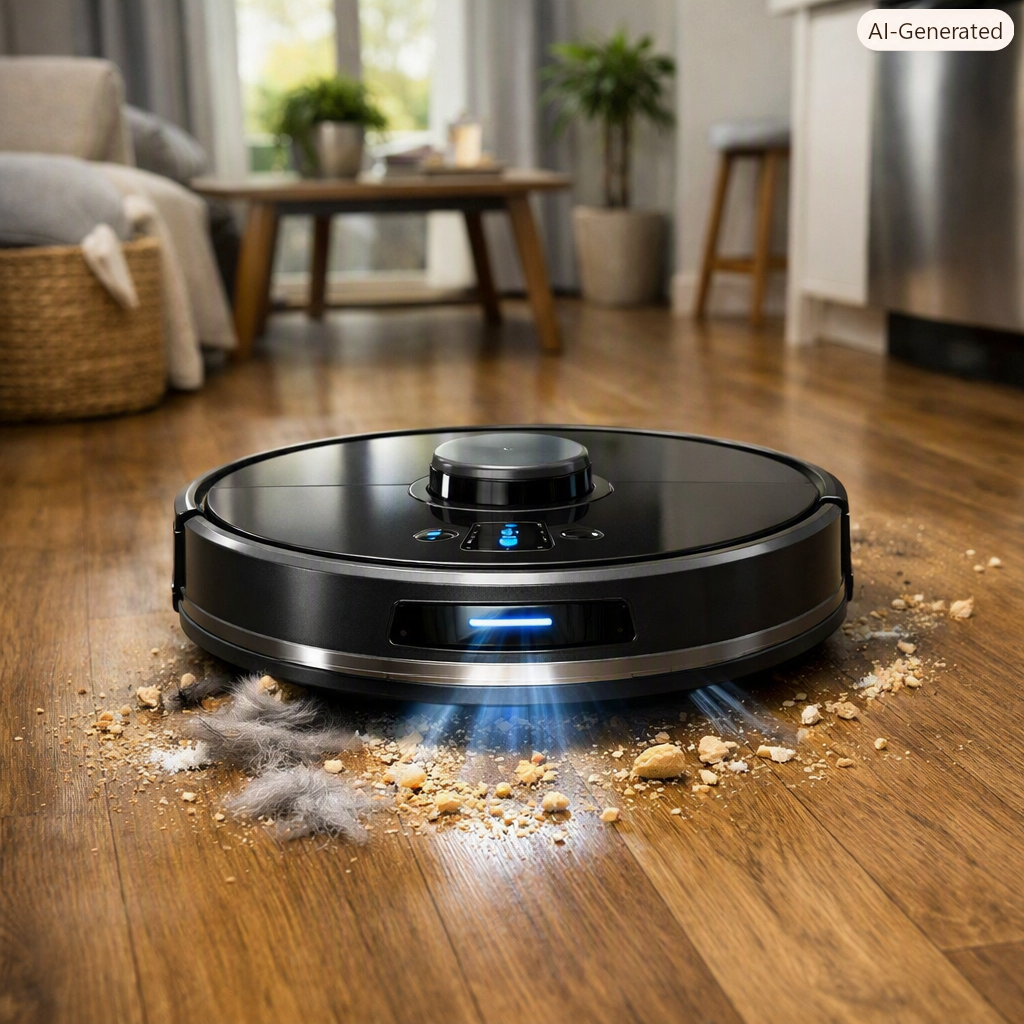
A robot vacuum cleaner is a compact, battery-powered cleaning device that automatically moves around your home, collecting dust, dirt, crumbs, and pet hair. Using sensors and navigation technology, it maps rooms, avoids obstacles, and returns to its charging dock when the battery runs low.
Many modern robot vacuums can also mop hard floors, empty their dustbins into a larger base station, and be controlled through a smartphone app or voice assistants.
How Does a Robot Vacuum Work?
Although different brands use different technologies, most robot vacuums follow a similar process:
- Scan the room using sensors or cameras.
- Create a cleaning path or map.
- Navigate around furniture and obstacles.
- Vacuum dirt using rotating brushes and suction.
- Return to the charging dock automatically.
- Resume cleaning if the battery was recharged mid-task (on supported models).
Higher-end models use advanced mapping technologies that improve efficiency and reduce missed areas.
Benefits of Owning a Robot Vacuum
Robot vacuums are designed to save time rather than replace all deep cleaning.
Some major advantages include:
- Cleans automatically on a schedule
- Saves time and effort
- Reaches under beds and sofas
- Reduces everyday dust buildup
- Helps control pet hair
- Works even when you’re away
- Integrates with smart home systems
- Quiet operation compared to many traditional vacuums
Who Should Buy a Robot Vacuum?
A robot vacuum is a great investment for:
- Busy professionals
- Families with children
- Pet owners
- Seniors
- Apartment residents
- People with mobility limitations
- Anyone who wants less daily cleaning
Types of Robot Vacuum Cleaners
Vacuum-Only Robots
These models focus exclusively on vacuuming and are ideal if your home has mostly carpets or if you already mop manually.
Best for
- Carpets
- Rugs
- Pet hair
- Everyday dust
Vacuum and Mop Combo
These machines vacuum first and then mop hard floors using a water tank and reusable mop pad.
Best for
- Tile floors
- Hardwood
- Vinyl
- Laminate
Self-Emptying Robot Vacuums
These premium models automatically empty the onboard dustbin into a larger collection bag inside the charging station.
Advantages include:
- Less maintenance
- Better for allergy sufferers
- Larger dirt capacity
- Convenient for busy households
Important Features to Consider
1. Navigation Technology
Navigation determines how efficiently the robot cleans.
Basic Random Navigation
- Lower price
- Suitable for small homes
- Less efficient
- May miss spots
Gyroscope Navigation
- Better cleaning patterns
- Improved room coverage
- Moderate pricing
LiDAR Navigation
LiDAR uses laser mapping to create accurate floor plans.
Benefits include:
- Faster cleaning
- Better obstacle avoidance
- Room-by-room cleaning
- Virtual no-go zones
- Efficient navigation in low-light conditions
For most buyers, LiDAR navigation offers the best balance of performance and convenience.
2. Suction Power
Suction is commonly measured in Pascals (Pa). While higher numbers generally indicate stronger suction, brush design, airflow, and software also affect real-world cleaning performance.
Typical ranges:
- 2,000–3,000 Pa: Everyday dust and hard floors
- 4,000–6,000 Pa: Mixed flooring and pet hair
- 8,000 Pa and above: Heavy debris and thicker carpets
3. Battery Life
Battery runtime should match the size of your home.
General guidelines:
| Home Size | Recommended Runtime |
|---|---|
| Apartment | 60–90 minutes |
| Medium home | 90–120 minutes |
| Large home | 120–180 minutes |
Many advanced models automatically recharge and continue cleaning if needed.
4. Smart Mapping
Smart mapping allows you to:
- Save floor plans
- Select individual rooms
- Set cleaning schedules
- Create no-go zones
- Customize cleaning routines
This feature is especially useful in larger homes or homes with multiple rooms.
5. Obstacle Detection
Improved obstacle detection helps prevent the robot from getting stuck on:
- Shoes
- Toys
- Charging cables
- Pet bowls
- Furniture legs
Advanced models use AI-powered cameras or structured-light sensors to recognize and avoid common household objects.
6. Dustbin Capacity
Larger dustbins require less frequent emptying.
Typical onboard capacities:
- Small: 300 mL
- Medium: 450–500 mL
- Large: 600 mL or more
If you have pets or a larger home, consider a model with a self-emptying dock.
7. Mopping Features
Some robot vacuums include:
- Electronic water control
- Multiple water flow levels
- Reusable microfiber pads
- Carpet detection to avoid wetting rugs
- Automatic mop lifting on premium models
If your home has mostly hard floors, a vacuum-and-mop combo can reduce manual cleaning.
8. Noise Level
Most robot vacuums operate between 55 and 70 dB, making them quieter than many traditional upright vacuums.
9. App Control
A good companion app allows you to:
- Start or stop cleaning remotely
- Schedule daily cleaning
- Monitor progress
- View maps
- Set restricted areas
- Receive maintenance alerts
Robot Vacuum vs Traditional Vacuum
| Feature | Robot Vacuum | Traditional Vacuum |
|---|---|---|
| Automatic Cleaning | ✔ | ✘ |
| Deep Carpet Cleaning | Moderate | Excellent |
| Daily Maintenance | Excellent | Good |
| Manual Effort | Minimal | High |
| Under Furniture | Excellent | Moderate |
| Storage | Compact | Larger |
| Best Use | Daily upkeep | Deep cleaning |
Many households use a robot vacuum for everyday maintenance and a traditional vacuum for occasional deep cleaning.
Common Mistakes Beginners Make
Avoid these common buying mistakes:
- Choosing solely based on price
- Ignoring navigation technology
- Buying more suction than your flooring requires
- Forgetting to measure furniture clearance
- Skipping app features that improve usability
- Expecting a robot vacuum to replace every type of cleaning
Maintenance Tips
Regular maintenance helps keep your robot vacuum performing at its best.
- Empty the dustbin or replace dock bags as needed.
- Clean the main brush and side brushes regularly.
- Remove tangled hair from rollers.
- Wipe sensors and charging contacts.
- Wash or replace filters according to the manufacturer’s instructions.
- Clean mop pads after each mopping session.
Routine care improves cleaning performance and extends the vacuum’s lifespan.
Which Robot Vacuum Is Right for You?
For Apartments
Choose:
- Compact design
- Smart mapping
- Quiet operation
- Runtime of 60–90 minutes
For Pet Owners
Look for:
- Strong suction
- Tangle-resistant brushes
- HEPA filtration
- Large dustbin or self-emptying dock
For Large Homes
Prioritize:
- LiDAR navigation
- Long battery life
- Multi-floor mapping
- Recharge-and-resume functionality
For Hardwood Floors
A vacuum-and-mop combo with adjustable water flow is often the most practical choice.
Frequently Asked Questions
Are robot vacuum cleaners worth buying?
Yes. They are excellent for maintaining clean floors with minimal effort and are especially useful for busy households, pet owners, and anyone who wants to reduce daily cleaning time.
Can a robot vacuum replace a normal vacuum?
Not completely. Robot vacuums are ideal for routine maintenance, but a traditional vacuum is still helpful for deep cleaning carpets, stairs, upholstery, and hard-to-reach areas.
Do robot vacuums work on carpets?
Yes. Most modern models clean low- and medium-pile carpets effectively. If you have thick carpets or heavy debris, choose a model with strong suction and automatic carpet detection.
How long does a robot vacuum last?
With proper maintenance, many robot vacuums provide reliable service for five to seven years, though battery replacement may be needed over time.
Can robot vacuums clean multiple rooms?
Yes. Models with smart mapping and room recognition can clean multiple rooms efficiently and allow you to target specific areas through the companion app.
Final Thought
A robot vacuum cleaner is one of the easiest ways to simplify daily home maintenance. While it won’t replace every cleaning tool, it can dramatically reduce the time you spend vacuuming by handling routine dust, crumbs, and pet hair automatically.
For beginners, the most important features to prioritize are reliable navigation, sufficient suction for your flooring, good battery life, and an easy-to-use app. If your budget allows, a model with LiDAR mapping and a self-emptying dock offers the greatest convenience. Homes with mostly hard floors may also benefit from a vacuum-and-mop combination.
By choosing a robot vacuum that matches your home’s size, floor type, and lifestyle, you’ll enjoy cleaner floors with less effort and more time for the things that matter most.